Gamma Alternatives: Is a Presentation-Only Tool a Better Fit?
Disclosure: this page contains affiliate links. If you sign up through them we may earn a commission, at no extra cost to you — see our full disclosure. We only recommend tools we've genuinely evaluated.
Why people go looking for a Gamma alternative
Gamma’s core pitch — a prompt turns into a full deck, document, or simple webpage in under a minute — genuinely works, and it’s a large part of why the tool has built a loyal following fast. The friction that sends people searching for alternatives tends to show up a few weeks in, once the free credits run out and real usage starts: the Plus plan’s AI credits get consumed quickly enough (roughly 10 credits per image generation, 10 per AI text rewrite) that regular users report landing around four or five well-produced decks a month before hitting the ceiling. On top of that, PPTX exports can lose formatting — overlapping text boxes and missing fonts are the most commonly reported issue when a Gamma deck is opened in desktop PowerPoint — and there’s no workspace-level way to lock in a brand theme, since theme selection happens manually per deck rather than at the team level.
None of that makes Gamma a bad tool — the speed and the multi-format flexibility (one prompt produces a deck, doc, or webpage) are real strengths nothing else here matches. It means the switch is worth making only if one of those specific frictions — credit ceiling, export fidelity, or brand control — is the actual thing getting in the way, not a general sense that “there might be something better.”
Three things worth checking before you switch
1. Whether the alternative’s credit or usage limit is actually more generous for how you work. Credit systems vary enough between tools that a raw number on a pricing page doesn’t tell the full story — what matters is how many credits a typical regeneration or edit actually costs, not just the monthly allowance. Test a real deck, not a demo one, before assuming a switch fixes the ceiling problem.
2. Whether PowerPoint export actually needs to be flawless, or just workable. If every deck stays inside the tool as a shared link, export fidelity barely matters. If decks regularly need to land in a client’s or executive’s inbox as a .pptx file, this is worth testing directly with a real deck before switching, since export quality varies by tool and by how complex the layout is.
3. Whether you actually need the doc and webpage generation, or just the deck. Gamma’s three-in-one flexibility is a genuine differentiator, but it also means the deck-specific polish is a step behind a tool built only for presentations. If decks are the only output that matters, a presentation-only tool is worth comparing directly rather than assuming “does more” means “better for this.”
How the alternatives compare on price
| Tool | Entry paid price | AI credits / limits | Standout strength |
|---|---|---|---|
| Gamma | $9/seat/mo billed annually ($108/yr), or $12/mo month-to-month | 1,000 credits/mo (Plus); Team requires 2-seat minimum, Business requires 10-seat minimum, both annual-only | Generates decks, documents, and simple webpages from the same prompt |
| Decktopus | $9.99/mo billed annually ($119.88/yr), or $24.99/mo month-to-month | 750 AI credits/mo on Pro, the entry paid tier | Loop practice mode for rehearsing a live pitch out loud — no equivalent on any other tool here |
| Canva | $12/mo billed annually ($144/yr), or $18/mo month-to-month | Lifetime (not monthly) shared AI-credit pool on free; Pro usage limits apply across all AI features, not just decks | Presentations are one of dozens of formats in the same editor, so brand assets carry over from other design work |
| Beautiful.ai | $12/mo (Pro, billed annually) | No standing free plan — 14-day trial only | Smart-layout engine keeps slides visually balanced automatically as you edit |
| Pitch | €10/mo (Plus, billed annually) | Free tier is ongoing (not time-limited), with a one-time 100-credit pool | Genuinely unlimited presentations on the free tier, not just a capped project count |
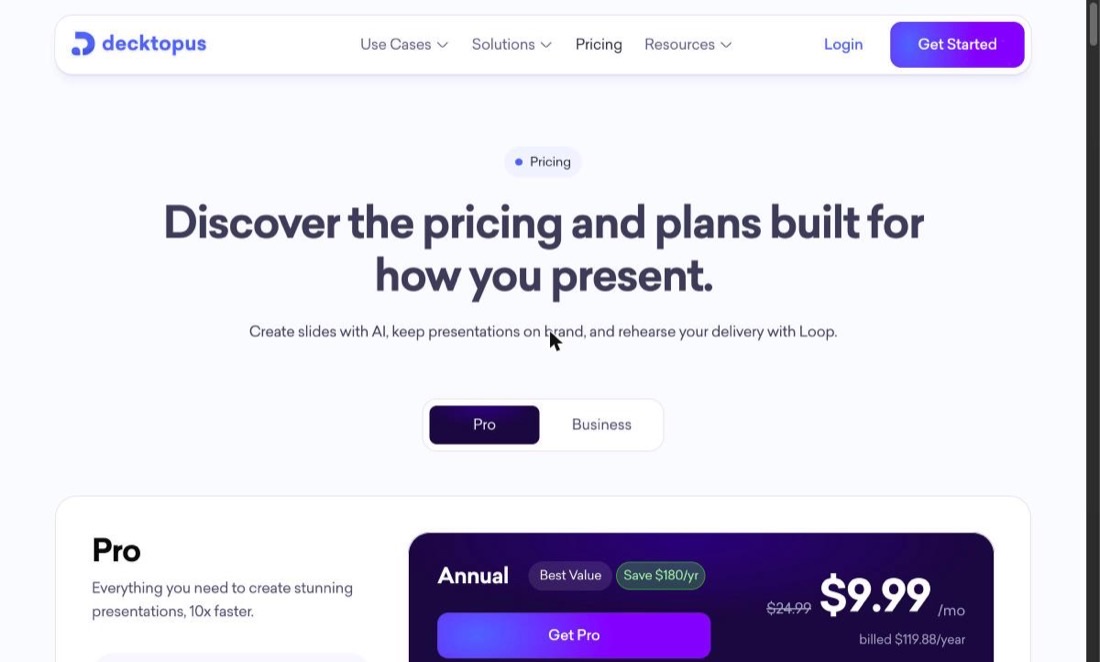
Gamma’s entry price is close to the cheapest option here, so cost alone rarely drives the switch — it’s the combination of how fast Plus-tier credits burn under real use, the PPTX export complaints, and the seat minimums on Team and Business that push people to compare alternatives.
The one worth a closer look
Decktopus
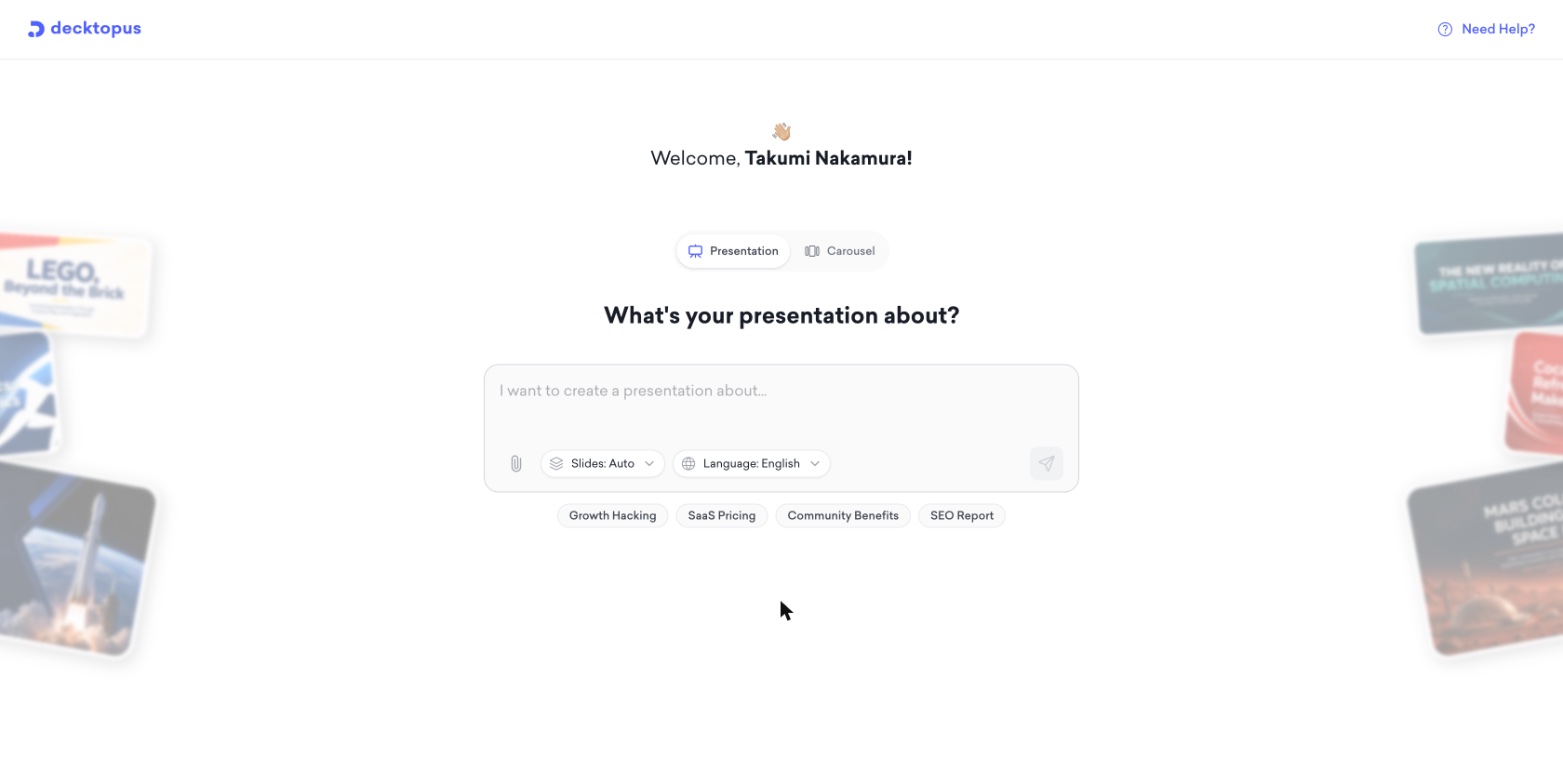
What it’s for: anyone who delivers the presentation live and wants to rehearse it beforehand, or who’s hit Gamma’s credit ceiling and doesn’t need the document/webpage generation — just a deck-focused tool with no seat minimum standing in the way of a single-user subscription.
Pros
- Loop practice mode lets you rehearse delivering the deck out loud — a feature none of the other four tools in this comparison offer
- Priced as a single subscription with no seat minimum, unlike Gamma’s Team (2-seat) and Business (10-seat) plans
- 750 AI credits/month on the entry Pro tier, with PPT export included on the paid tier and no formatting-loss complaints reported the way they are against Gamma’s export
Cons
- No free tier and no stated trial length on the pricing page — unlike Gamma’s free plan or Pitch’s ongoing free tier, there’s no no-cost way to try it first
- Only generates presentations — if the workflow also needs documents or simple webpages from the same prompt, Gamma’s three-format flexibility is a real advantage Decktopus doesn’t match
- Business-tier pricing for teams isn’t published and requires contacting sales, versus Gamma’s fully published (if seat-minimum-gated) Team and Business pricing
Also worth knowing about
Canva is the pick if presentations are just one of several design formats already being produced — the same Brand Kit, templates, and subscription cover social graphics and one-pagers too, at $12/mo billed annually. The tradeoff is that its Magic Design AI credits are a shared pool across every Canva AI feature, not deck-specific.
Beautiful.ai has the lowest manual-editing burden of the group thanks to its auto-balancing layout engine, at the same $12/mo annual entry price as Canva — but there’s no ongoing free plan, only a 14-day trial.
Pitch is the lowest-risk starting point if budget is the main constraint, since its free tier has no time limit and allows unlimited presentations, though its AI-credit pool on free is a one-time 100 credits rather than a monthly refresh.
All five tools, including a side-by-side on export formats and free-tier limits, are compared in more depth in our full Decktopus review, which covers the same group from a Decktopus-first angle.
Which one fits your situation
You deliver the pitch live and want to rehearse it first: Decktopus, specifically for the Loop feature — nothing else here offers a built-in rehearsal mode.
You’ve hit Gamma’s credit ceiling but don’t need docs or webpages, just decks: Decktopus’s 750 monthly credits on Pro and single-subscription pricing (no seat minimum) are worth comparing directly.
Presentations are one of several design formats you produce regularly: Canva, so brand assets and one subscription cover decks alongside everything else.
You want the least manual layout fiddling: Beautiful.ai, for the auto-balancing engine — just budget for the lack of an ongoing free tier.
Budget is the main constraint right now: Pitch’s free tier, since it doesn’t carry a trial clock the way Beautiful.ai’s does.
The doc- and webpage-generation from the same prompt is actually being used: it may be worth staying on Gamma — none of the alternatives here match that three-format flexibility.
Common questions
Why do people look for a Gamma alternative in the first place? The most commonly reported reasons are AI credit limits that make the Plus plan feel tight after a handful of decks a month, PPTX export that can lose formatting (overlapping text boxes, missing fonts) when opened in desktop PowerPoint, and no workspace-level way to enforce a brand theme across a team — each deck’s theme is picked manually. Team and Business plans also require annual billing with seat minimums (2 and 10 seats respectively), which doesn’t fit a solo user or very small team.
Is there a Gamma alternative built specifically for presenting live, not just building the deck? Decktopus is the one tool in this comparison with a built-in rehearsal feature (Loop), which lets you practice delivering a presentation out loud before the real thing. None of the other tools compared here — Gamma, Canva, Beautiful.ai, or Pitch — offer an equivalent rehearsal mode.
Does any Gamma alternative avoid seat minimums for a small team? Decktopus’s Pro tier is a single subscription with no seat minimum, and Canva Pro and Beautiful.ai’s Pro tier are both priced per single user as well. Gamma’s Team plan requires at least 2 seats and its Business plan requires at least 10, both billed annually only — a real barrier for a solo freelancer or a two-person team that doesn’t want to commit to a year upfront.
Which alternative is cheapest? Beautiful.ai’s Pro plan is the least expensive entry price in this comparison at $12/mo billed annually. Gamma’s own Plus plan is close behind at $9/mo billed annually, and remains one of the cheaper options if the multi-format flexibility (decks, docs, and webpages from one prompt) is actually being used rather than just the deck output.
Do these alternatives export cleanly to PowerPoint? Decktopus, Canva, and Pitch all support PPT or PowerPoint-compatible export on their paid tiers without the formatting-loss complaints reported against Gamma’s export. Beautiful.ai also exports, though as with Gamma, converting a web-native, auto-laid-out deck into a static PowerPoint file can shift some spacing — worth test-exporting a real deck before relying on it for a client meeting.
Where to start
The fastest way to tell whether switching actually helps is naming the specific friction first — the credit ceiling, export fidelity, or missing brand controls — and checking that one thing against an alternative before comparing everything else about it.
If the deck needs to be delivered live and rehearsed beforehand, Decktopus’s Loop feature is worth trying specifically for that reason. If it’s the credit ceiling alone, comparing real usage (not a demo) against Decktopus’s 750 monthly credits, or Pitch’s ongoing free tier, is a better signal than any feature list.