Toggl Track Alternatives: One Tool for Time, Projects, and Invoicing
Disclosure: this page contains affiliate links. If you sign up through them we may earn a commission, at no extra cost to you — see our full disclosure. We only recommend tools we've genuinely evaluated.
Why people go looking for a Toggl Track alternative
Toggl Track does one job well: start a timer, stop a timer, get a clean report of where the hours went. That single-purpose focus is exactly why it shows up on so many “best time tracker” lists, and for a team that already has a project management tool it likes, bolting Toggl Track on top for accurate hours is a perfectly reasonable setup.
The friction shows up for a different kind of user — a freelancer or small agency that started with Toggl Track because it was the time tracker everyone recommended, and only later realized project structure (tagging a timer against a project name, not a real board or task list) and invoicing (added to the product later, generated from Summary Reports rather than being an original core feature) were both thinner than they’d assumed. A one-person consultancy is a common version of this: hours tracked cleanly in Toggl Track all month, then a separate task list in a notes app to remember what’s actually due, then a manual pass at the end of the month turning the Summary Report into something that looks like an invoice a client can pay. None of that means Toggl Track is doing its actual job badly — it means the job it does is narrower than what someone running client work solo often needs from a single subscription.
Three things worth checking before you switch
1. Whether the gap is project management, invoicing, or both. Someone who’s happy tracking time in Toggl Track but tired of a separate task app has a different problem than someone who’s tired of hand-building invoices from a report. Paymo solves both by folding them into the same subscription as time tracking — but if only one of the two is actually missing, it’s worth checking whether a smaller fix (a free task app, or Toggl Track’s own invoicing feature) closes the gap without a full switch.
2. What happens to Toggl Track’s integration list. Toggl Track’s biggest strength for a lot of users isn’t the timer itself — it’s the 100+ integrations that let it sit quietly inside whatever project management or CRM tool a team already runs. Consolidating into an all-in-one tool like Paymo means trading that integration breadth for having project structure and invoicing natively in the same place. That trade only makes sense if the separate PM tool was actually part of the problem, not just something Toggl Track happened to sit next to.
3. How much manual work the migration itself takes. Both tools support CSV export and import for time entries, but projects and clients aren’t linked automatically between them — the project and client structure has to be rebuilt in the new tool before historical hours can be imported against it. That’s a real afternoon of setup, not a one-click switch, and it’s worth budgeting for before assuming the move is painless.
How the two compare on price
| Entry price | Free tier | What it covers | |
|---|---|---|---|
| Toggl Track (Starter) | $9/license/month, no published annual discount at this tier | Yes — for a small team headcount-wise, but time tracking and reporting only | Time tracking only, invoicing added later via Summary Reports |
| Toggl Track (Premium) | $14/license/month first year, renews at $18/license/month | — | Adds profitability reporting and timesheet approvals, still no project management |
| Paymo (Solo) | $5.90/month first 3 months, then $9.90/month | Yes — permanent, 1 user, 1 client, 2 projects, unlimited time tracking and invoices | Time tracking, kanban boards and task calendars, and unlimited invoicing in one plan |
| Paymo (Plus) | $10.90/user/month first 3 months, then $15.90/user/month | — | Adds unlimited clients and projects, closest price match to Toggl Track Premium |
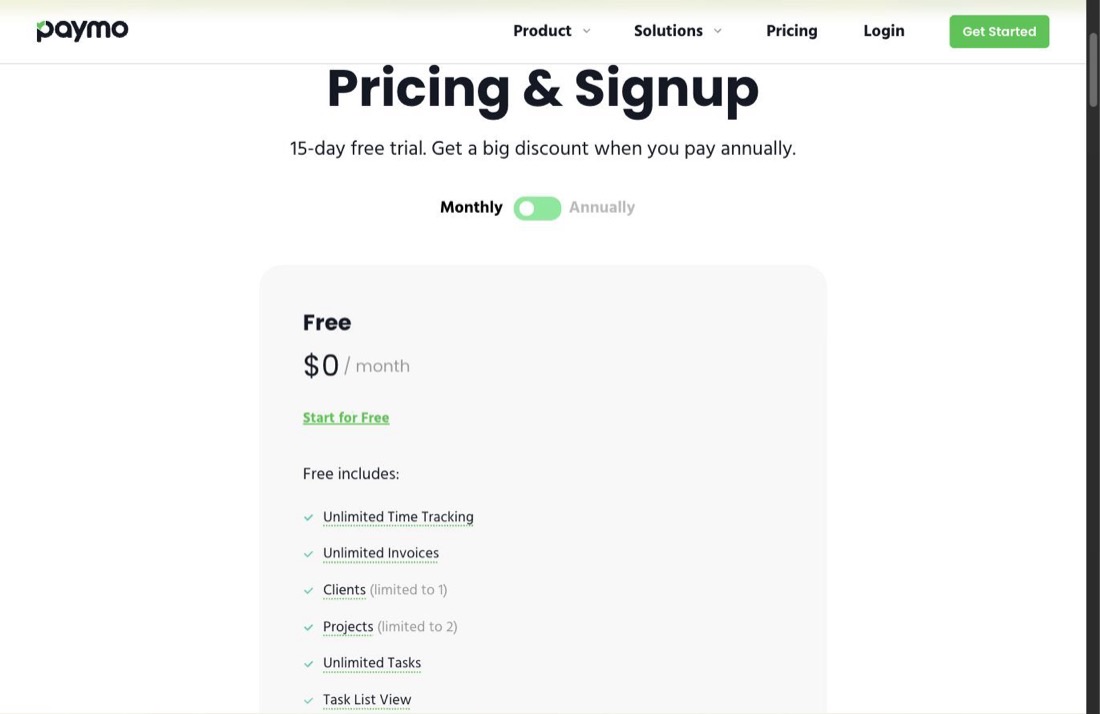
At a single-user level, Paymo’s entry tier undercuts Toggl Track’s Starter plan while adding project structure and invoicing Starter doesn’t have at all. The comparison gets closer once Toggl Track’s Premium tier is in the picture — its renewal price and Paymo’s Plus renewal price land within a few dollars of each other — which is exactly why the decision should come down to whether project management and invoicing are things you’d use, not just which sticker price is lower.
The one worth a closer look
Paymo
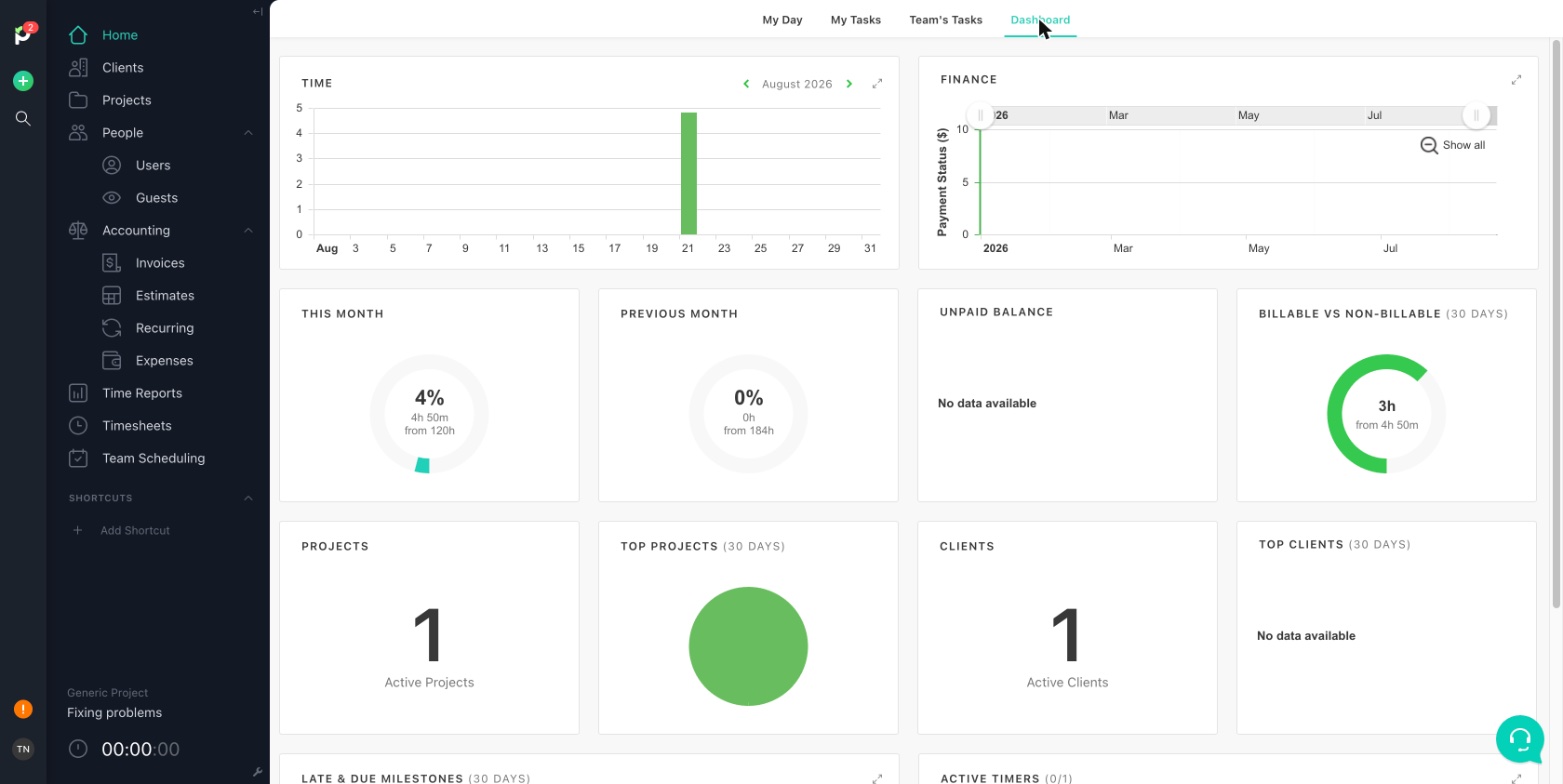
What it’s for: someone currently tracking time in Toggl Track who’s also juggling a separate task list and a manual invoicing process — Paymo folds all three into one subscription, so a tracked hour turns into a client invoice without leaving the tool.
Pros
- Invoices generate directly from tracked billable hours, with recurring invoices available from the Plus tier — a genuine step past Toggl Track’s report-to-invoice workaround
- Kanban boards and task calendars are included from the entry Solo tier, giving real project structure that Toggl Track’s project tagging doesn’t attempt
- The free tier includes unlimited time tracking and unlimited invoices, not a capped trial of either
Cons
- Integration list is far shorter than Toggl Track’s 100+, since Paymo is built to replace a separate PM tool rather than plug into one
- Gantt charts, task dependencies, and timesheet approvals are reserved for the top Pro tier, above where Toggl Track’s own Premium tier sits on price
- The advertised Solo and Plus prices are introductory rates that increase after three months, worth budgeting for from the start
Also worth knowing about
If invoicing is the only real gap and the project management side is fine as-is: Toggl Track’s own invoicing, generated from its Summary Reports, may already close that gap without switching tools at all — worth testing against a real invoice before assuming a full move is necessary.
If time tracking needs to stay embedded inside an existing PM tool rather than replacing it: that’s the setup Toggl Track’s integration list is built for, and switching to an all-in-one tool like Paymo means giving that up. Our full Paymo review compares Paymo against Toggl Track, Harvest, Everhour, and Hubstaff side by side, including which of the five lean toward standalone project management versus embedding into a tool you already use.
If the team is larger and automation or workforce monitoring matters more than invoicing: neither Toggl Track nor Paymo is built around that — the same full Paymo review covers Hubstaff, which is.
Which one fits your situation
Tracking time cleanly in Toggl Track, but maintaining a separate task list and building invoices by hand: Paymo consolidates all three into one subscription at a comparable or lower price at the single-user level.
Happy with Toggl Track’s timer and reports, and the project management tool it sits inside is doing its job: there’s no reason to switch — the integration breadth that makes Toggl Track work well in that setup is exactly what gets traded away by consolidating.
Only invoicing feels like the gap: try Toggl Track’s own invoicing against a real client bill first — it may already solve the actual problem without a switch.
Running a distributed team that needs monitoring and accountability, not just accurate billing: neither tool here is built for that specifically; it’s worth reading the Hubstaff section of our full Paymo review instead.
Common questions
What’s a good alternative to Toggl Track if I also need project management? Paymo is built around that combination specifically — kanban boards and task calendars sit alongside time tracking from its entry paid tier, and tracked hours turn into a client invoice without exporting to a separate tool. Toggl Track’s project structure is limited to tagging time against a project name, not a full task or board system.
Is there a free alternative to Toggl Track? Paymo’s free plan covers 1 user, 1 client, 2 projects, and unlimited time tracking and invoices. Toggl Track’s free tier supports a small team headcount-wise but holds back profitability tracking, timesheet approvals, and SSO. Which one is “more free” depends on whether the limiting factor is team size or feature depth.
Does Paymo have as many integrations as Toggl Track? No, and this is worth being direct about. Toggl Track lists over 100 integrations, including native connections to Jira and Salesforce, built specifically to bolt onto whatever project management or CRM tool a team already runs. Paymo’s integration list is shorter because it’s designed to replace that separate PM tool rather than plug into it — the tradeoff only makes sense if consolidating is actually the goal.
How much does Paymo cost compared to Toggl Track’s paid plans? For a single user, Paymo’s Solo plan runs $5.90/month for the first three months, then $9.90/month — below Toggl Track’s Starter at $9/license/month with no introductory rate. At Toggl Track’s Premium tier ($14/license/month the first year, $18/license/month after), Paymo’s Plus plan ($10.90/user/month for three months, then $15.90/user/month) lands close on price while adding project management and invoicing that Premium doesn’t include.
Can I bring my existing Toggl Track time entries into Paymo? Both tools support CSV export and import, so historical time entries can move over, but projects and clients aren’t linked automatically in the process. Expect to rebuild the project and client structure in Paymo first, then import hours against it — a real migration step rather than a one-click switch.
Where to start
The clearest way to tell whether switching helps is naming which specific piece is actually missing — project structure, invoicing, or both — before assuming a full consolidation fixes something Toggl Track’s own invoicing feature might already handle.
Paymo’s free plan needs just a work email to test the kanban board and invoicing against one real client relationship, side by side with however Toggl Track is being used today, before committing either way.