Prezi Alternatives: When the Zoom Effect Gets in the Way
Disclosure: this page contains affiliate links. If you sign up through them we may earn a commission, at no extra cost to you — see our full disclosure. We only recommend tools we've genuinely evaluated.
Why people go looking for a Prezi alternative
Prezi’s pitch is genuinely different from every other tool in this category: instead of a linear stack of slides, you get one zoomable canvas that pans and pushes in on different sections as you present. For the right kind of story — training material, a product walkthrough, anything that benefits from a literal sense of “zooming into detail” — it can make a presentation feel more memorable than a slide deck ever does. A Curriculum Designer reviewing the tool on Capterra (December 2025) put it well: “viewing the presentation is amazing because it is different and feels more interactive than PowerPoint.”
The friction shows up in three places once real use starts. First, exporting out of Prezi doesn’t travel well: a Systems Navigator in government administration, reviewing on Capterra (May 2026), gave the tool 1 star specifically because “presentations are not compatible with PowerPoint; so, if you are a working individual who frequently does presentations with others, then this product is more work than anything else” — the zoom and pan effects that make Prezi distinctive don’t survive the conversion to a static PowerPoint file. Second, the same motion that one viewer finds engaging, another finds uncomfortable: a Hospital & Health Care reviewer (Capterra, March 2026) who otherwise rated Prezi 4 stars still flagged “excessive motion and zooming effects to be quite overwhelming which too much movement can really take away from the message.” Third, Prezi’s paid plans are annual-only — there’s no monthly billing option on Standard, Plus, or Premium, so trying a paid tier for real means prepaying a full year upfront. That billing model has teeth: the same 1-star Capterra reviewer from May 2026 reported “I stopped using Prezi and they charged me over $100 a year later…they refuse to give me my money back.”
None of that makes Prezi a bad tool — for a presenter who wants the zoom effect specifically, and whose audience always watches on the same device rather than receiving an exported file, it does something no slide-based tool here replicates. It means switching is worth it only if one of those specific frictions — export compatibility, viewer comfort with the motion, or the annual prepay — is the actual thing getting in the way, not a general sense that a change might help.
Three things worth checking before you switch
1. Whether the deck ever needs to leave Prezi as a file. If every presentation stays inside Prezi’s own player, export fidelity doesn’t matter. If decks regularly need to land in someone’s inbox as a .pptx, or get presented from a machine without Prezi installed, this is the friction most reviewers report first.
2. Whether the audience’s reaction to the motion has actually come up. Not everyone finds a zooming canvas uncomfortable — plenty of reviewers call it their favorite part of Prezi. But if it’s come up even once (a colleague mentioning dizziness, or a own hesitation before a big pitch), that’s a real signal worth weighing before assuming it’s a one-off.
3. Whether the annual-only billing is actually a dealbreaker. Some people are fine prepaying a year once they’ve decided a tool is a keeper. Others want to run one real presentation cycle on a monthly plan before committing further — if that’s the case, it’s worth checking which alternative actually offers month-to-month billing rather than assuming they all do.
How the alternatives compare on price
| Tool | Entry paid price | Billing flexibility | Standout strength |
|---|---|---|---|
| Prezi | $19/mo billed annually ($228/yr, Plus plan) | Annual only — no monthly option on any paid tier | Zooming, non-linear canvas — nothing else here replicates the effect |
| Decktopus | $9.99/mo billed annually ($119.88/yr), or $24.99/mo month-to-month | Monthly, 3-month, or annual billing | Loop practice mode for rehearsing a live pitch out loud, plus PPT export without the flattened-zoom breakage |
| Canva | $12/mo billed annually ($144/yr), or $18/mo month-to-month | Monthly or annual | Presentations are one of dozens of formats in the same editor, so brand assets carry over from other design work |
| Beautiful.ai | $12/mo (Pro, billed annually) | No standing free plan — 14-day trial only | Smart-layout engine keeps slides visually balanced automatically as you edit |
| Pitch | €10/mo (Plus, billed annually) | Free tier is ongoing (not time-limited) | Genuinely unlimited presentations on the free tier, not just a capped project count |
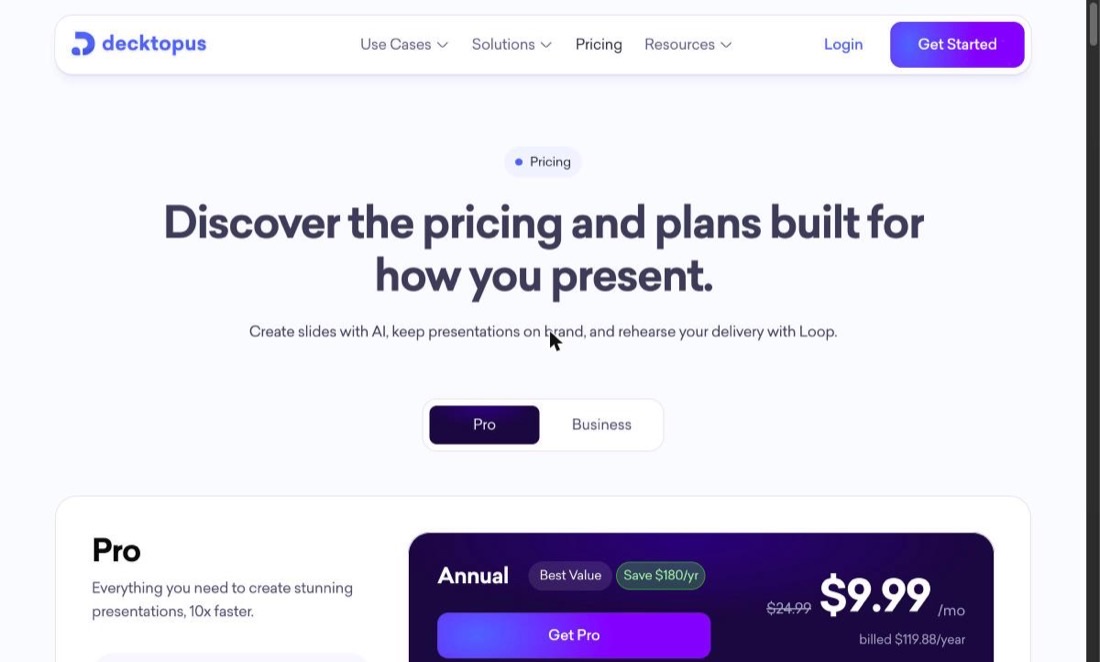
Prezi’s own entry tier (Standard, $7/mo billed annually) is cheap on paper, but it’s the Plus plan — $19/mo, still annual-only — that actually removes the watermark and adds offline access and PDF export, which is the more realistic price to compare against. Every Prezi paid tier requires a full year upfront; that’s the piece none of the four alternatives below share.
The one worth a closer look
Decktopus
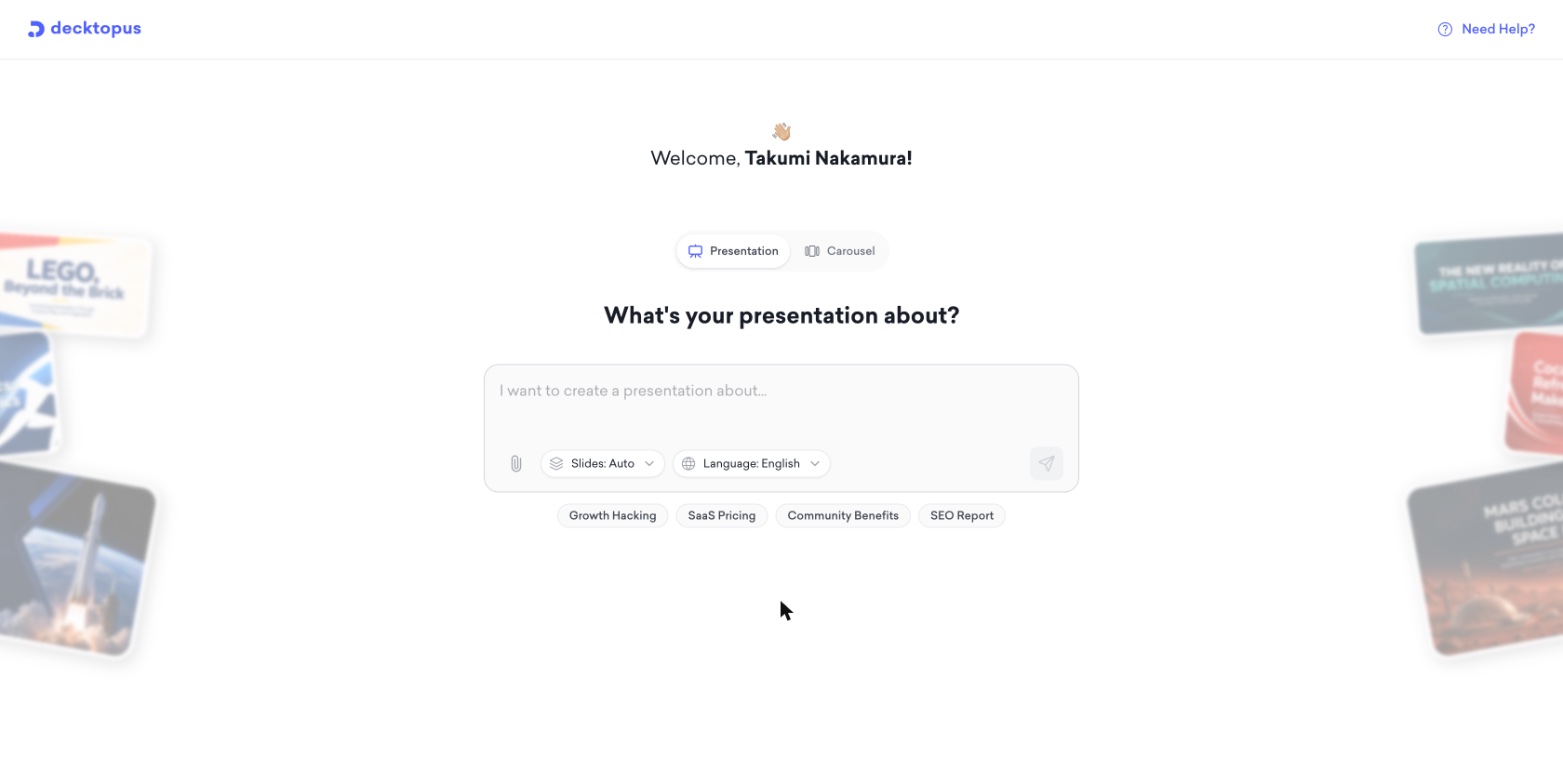
What it’s for: anyone who wants to test a paid plan for one real presentation cycle without prepaying a year, or who’s had a Prezi export come out broken and needs a deck that survives the trip to PowerPoint intact.
Pros
- Genuine month-to-month billing ($24.99/mo) alongside a cheaper annual plan — no requirement to commit a full year upfront the way every Prezi paid tier does
- PPT export included on the paid tier, without the flattened zoom-effect breakage reported against Prezi’s PowerPoint export
- Loop practice mode lets you rehearse delivering the deck out loud — useful if switching away from Prezi’s built-in sense of drama means the delivery now needs to carry more of the impact
Cons
- No free tier and no stated trial length on the pricing page — Prezi’s free Basic plan, watermarked as it is, is still a genuine no-cost way to start
- Traditional slide-based format — none of Prezi’s zooming, non-linear canvas carries over, which is the actual tradeoff of leaving
- Business-tier pricing for teams isn’t published and requires contacting sales
Also worth knowing about
Canva is the pick if presentations are just one of several design formats already being produced — the same Brand Kit, templates, and subscription cover social graphics and one-pagers too, at $12/mo billed annually or $18/mo month-to-month.
Beautiful.ai has the lowest manual-editing burden of the group thanks to its auto-balancing layout engine, at the same $12/mo annual entry price as Canva — but there’s no ongoing free plan, only a 14-day trial.
Pitch is the lowest-risk starting point if budget is the main constraint, since its free tier has no time limit and allows unlimited presentations.
All four alternatives, including a side-by-side against Gamma as well, are compared in more depth in our full Decktopus review, which covers the group from a Decktopus-first angle.
Which one fits your situation
You want to test a paid plan without prepaying a full year: Decktopus, specifically for the month-to-month billing option — it’s the only tool here (or in Prezi’s own lineup) that lets you commit one month at a time.
A Prezi export has come out broken on the way to PowerPoint: Decktopus, Canva, or Pitch — all three export without the flattened-zoom-effect complaints reported against Prezi.
The zooming motion itself is the issue, for you or your audience: any of the four here, since none of them use a moving, zooming canvas — you’ll be trading Prezi’s signature effect for a conventional slide format.
Presentations are one of several design formats you produce regularly: Canva, so brand assets and one subscription cover decks alongside everything else.
You want the least manual layout fiddling: Beautiful.ai, for the auto-balancing engine — just budget for the lack of an ongoing free tier.
Budget is the main constraint right now: Pitch’s free tier, since it doesn’t carry a trial clock the way Beautiful.ai’s does.
The zoom effect is actually the reason you use Prezi: it may be worth staying — none of the alternatives here replicate a zooming, non-linear canvas, and that effect is a genuine strength for the right kind of story-driven presentation.
Common questions
Why do people look for a Prezi alternative in the first place? The most commonly reported reasons are PowerPoint exports that come out broken (zoom effects flatten into static slides with misaligned layouts), the zooming canvas itself feeling overwhelming to some viewers, and Prezi’s annual-only billing — there’s no monthly plan, so trying a paid tier means prepaying a full year upfront. Reviewers have also reported being charged again after they thought they’d cancelled.
Is there a Prezi alternative that lets you pay monthly instead of committing to a year? Decktopus offers a genuine month-to-month option ($24.99/mo) alongside its cheaper annual plan, so there’s no requirement to prepay a full year just to try the paid tier the way Prezi’s Standard, Plus, and Premium plans require.
Do these alternatives export cleanly to PowerPoint? Decktopus, Canva, and Pitch all support PPT or PowerPoint-compatible export on their paid tiers without the flattened zoom effects and layout breakage reported against Prezi’s export. Beautiful.ai also exports, though converting any auto-laid-out deck into a static PowerPoint file can shift some spacing — worth test-exporting a real deck before relying on it for a client meeting.
Which alternative is cheapest? Beautiful.ai and Canva are both priced at $12/mo billed annually, the lowest entry price in this comparison. Pitch’s free tier has no time limit, which makes it the lowest-risk option if budget is the main constraint right now rather than a specific feature.
Does switching away from Prezi mean losing the zoom/motion presentation style? Yes — none of the tools compared here (Decktopus, Canva, Beautiful.ai, Pitch) offer Prezi’s zooming, non-linear canvas. They’re all traditional slide-based tools. That’s the actual tradeoff of switching: more predictable exports and no motion complaints, in exchange for giving up the zoom effect that makes Prezi distinctive in the first place.
Where to start
The fastest way to tell whether switching actually helps is naming the specific friction first — export fidelity, viewer comfort with the motion, or the annual prepay — and checking that one thing against an alternative before comparing everything else about it.
If the annual-only billing is the sticking point, Decktopus’s month-to-month option is worth trying for exactly that reason — one presentation cycle, no year-long commitment. If it’s export fidelity, building one real deck in Decktopus, Canva, or Pitch and exporting it to PowerPoint is a better test than any feature list.